Project command center
A single visual project note for milestones, decisions, risks, links, owners, and the next useful action.
Jotlume prepares a completed Markdown note. On iPhone, open the setup page, tap Add to Apple Notes, choose Notes in the Apple Share Sheet, and review the note before saving.
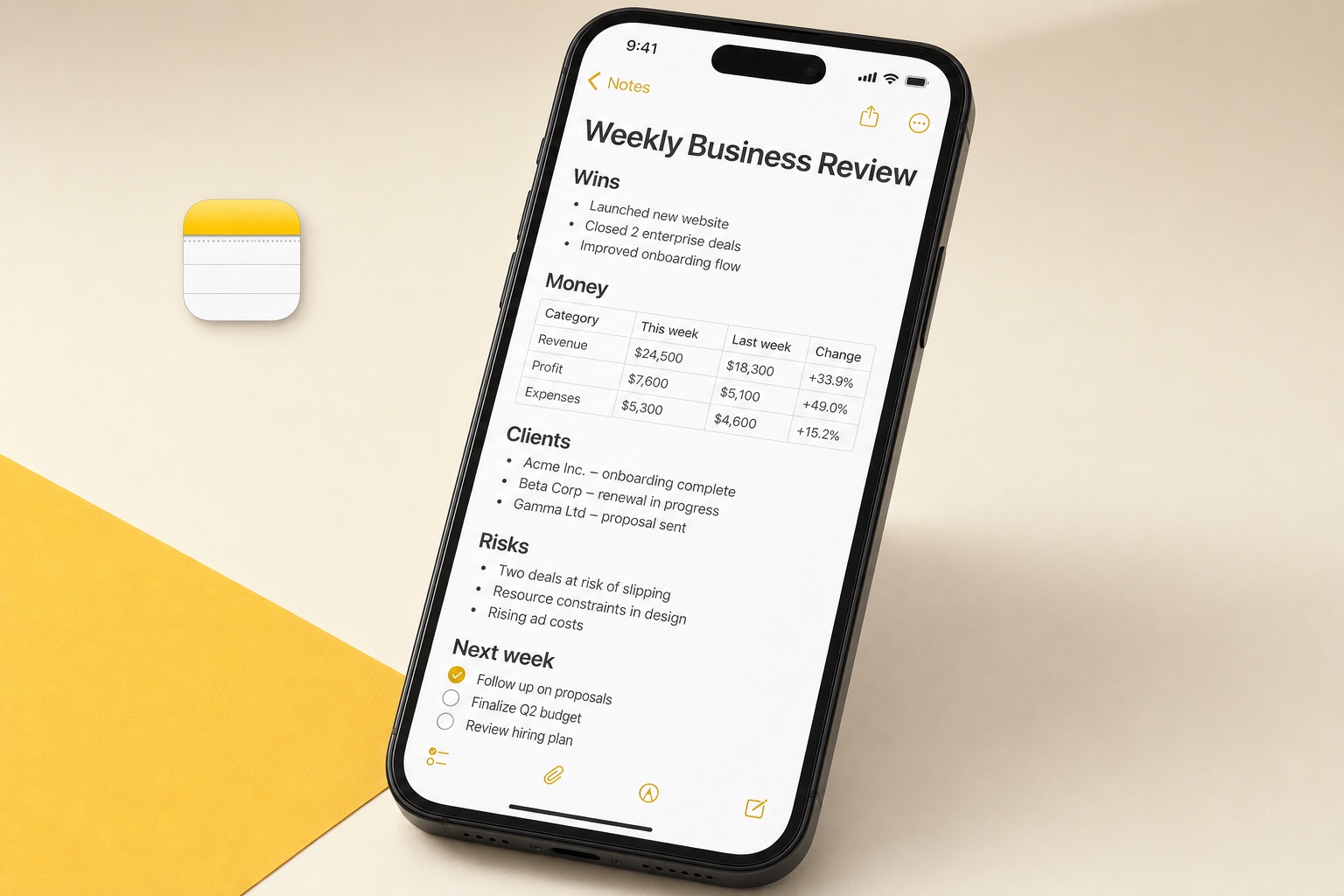
Project command center
Open the full system to review every detail ↗A finished starting point,
not another blank page.
Know every step before you start.
Jotlume prepares a completed Markdown note. On iPhone, open the setup page, tap Add to Apple Notes, choose Notes in the Apple Share Sheet, and review the note before saving.
- 01Open the setup page on your iPhone
- 02Review the note and populated examples
- 03Choose Notes in the Apple Share Sheet
- 04Save it to the folder you want
Good to know.
Will Jotlume change my Notes without asking?
No. The setup page shows the delivery method first, and Apple asks you to confirm the share, import, or manual steps. Nothing is added silently.
Can I edit the system after adding it?
Yes. Once it is in Notes, it is yours. Rename it, remove items, change times, or keep only the parts that match your routine.
Do I need a Jotlume account?
No. You can review and use this system without creating an account. Jotlume also does not read your existing Apple Notes, reminders, or calendar.
“Create an Apple Notes project dashboard with status, milestones, decisions, risks, key links, owners, and next actions.”Remix this request ↗