Leaving home check
A departure routine that checks weather, travel time, essentials, home devices, and your next appointment.
This system is provided as a reviewed action plan until a signed iCloud Shortcut is available. The guide shows the actions and app connections without pretending an automatic install exists.
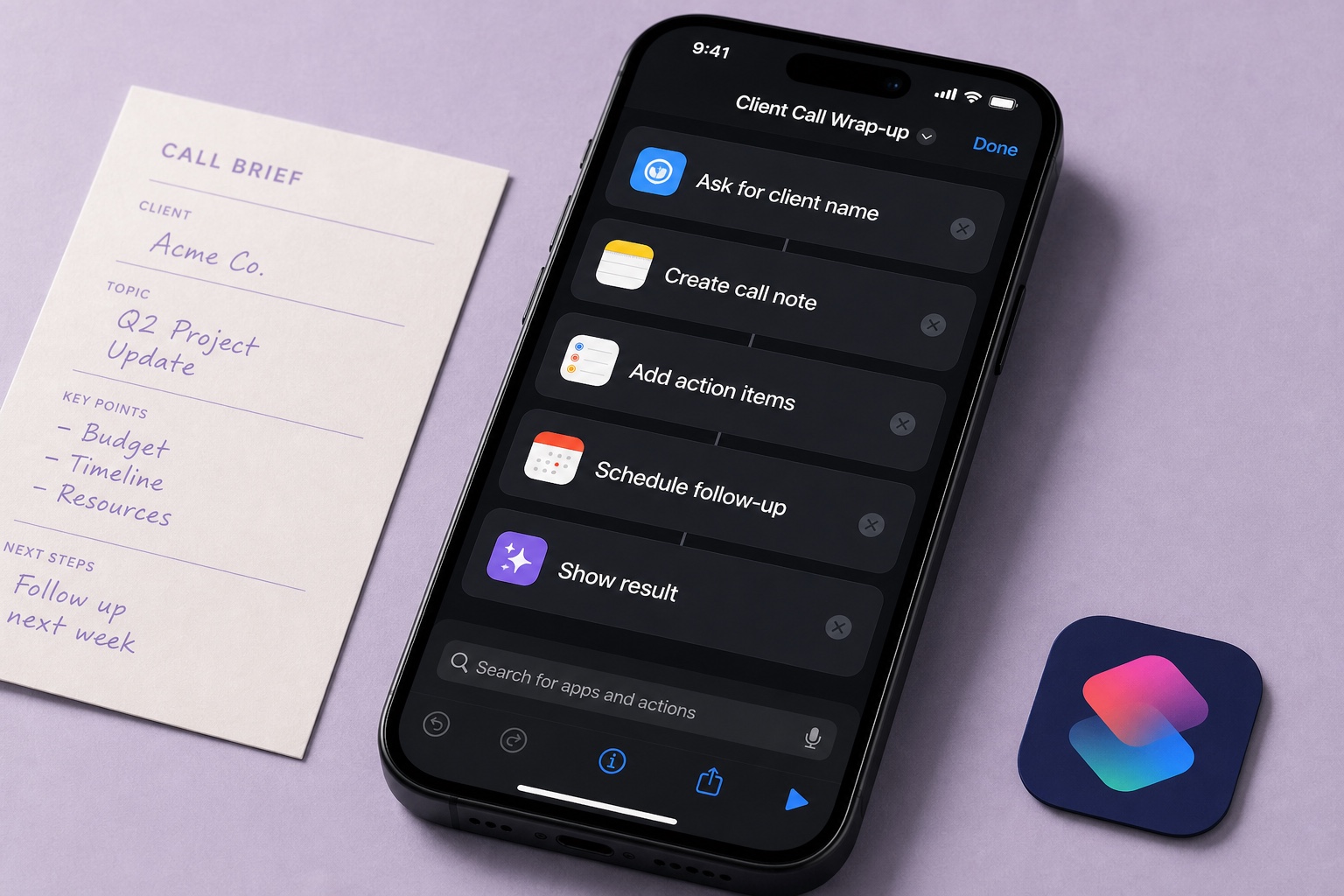
Leaving home check
Open the full system to review every detail ↗A finished starting point,
not another blank page.
Know every step before you start.
This system is provided as a reviewed action plan until a signed iCloud Shortcut is available. The guide shows the actions and app connections without pretending an automatic install exists.
- 01Open the setup guide on your iPhone
- 02Review the actions and permissions
- 03Build or adapt the actions in Apple Shortcuts
- 04Test once with non-sensitive sample data
Good to know.
Will Jotlume change my Shortcuts without asking?
No. The setup page shows the delivery method first, and Apple asks you to confirm the share, import, or manual steps. Nothing is added silently.
Can I edit the system after adding it?
Yes. Once it is in Shortcuts, it is yours. Rename it, remove items, change times, or keep only the parts that match your routine.
Do I need a Jotlume account?
No. You can review and use this system without creating an account. Jotlume also does not read your existing Apple Notes, reminders, or calendar.
“Make an Apple Shortcut for leaving home that checks weather, travel time, keys and wallet, home devices, and my next calendar event.”Remix this request ↗